Product Introduction
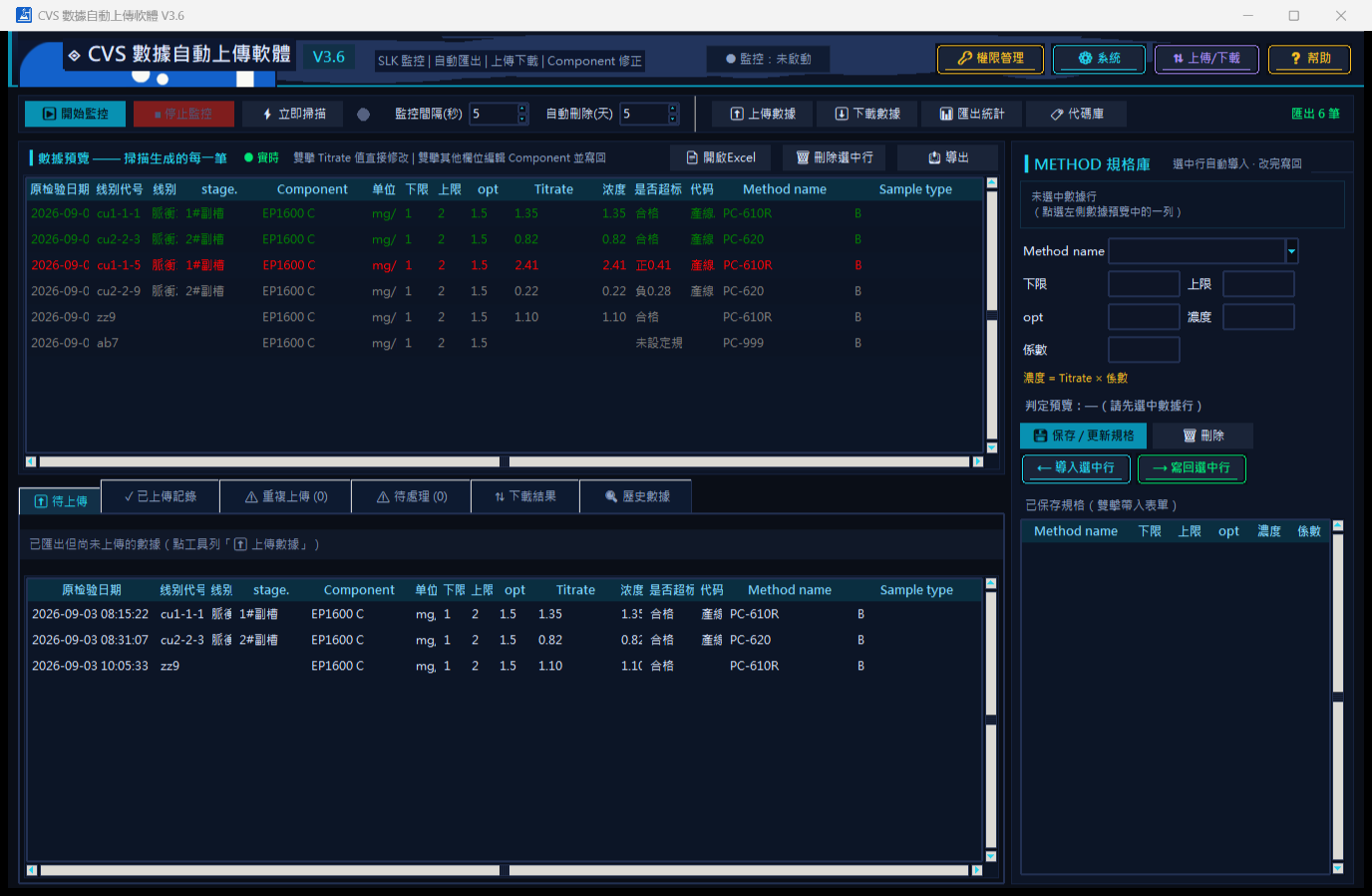
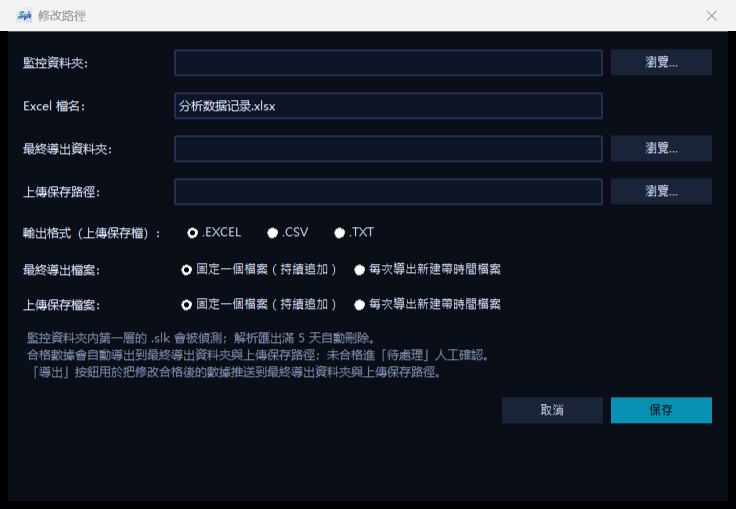
CVS Data Auto-Upload Software V3.6 (Comprehensive Edition) is a CVS analyzer inspection data auto-management software developed in-house. The software automatically monitors .slk files (exported by Metrohm TIAMO) in a specified folder, parses them into 15-column data, and judges each record against the Method specification library: qualified data with complete fields is automatically exported to the final export folder and upload save path, and can be uploaded to ERP (HTTP API), SQLite, or MySQL databases, or queried and downloaded by condition. Data status is distinguished by color, the interface supports real-time switching among Traditional Chinese / English / Thai, and a portable exe version (including a half-year licensed version) is provided, suitable for daily data management in electroplating and chemical analysis laboratories.
Main Technical Parameters
- Data parsing: monitors .slk files in the folder and automatically parses them into 15-column data; supports scheduled scanning and manual triggering via "Scan Now"
- Status indication: green = 15 columns complete and qualified (auto export); red = complete but out of specification (transferred to "Pending" for manual confirmation); gray = incomplete fields (not exported; after completion, rescanning changes color and exports)
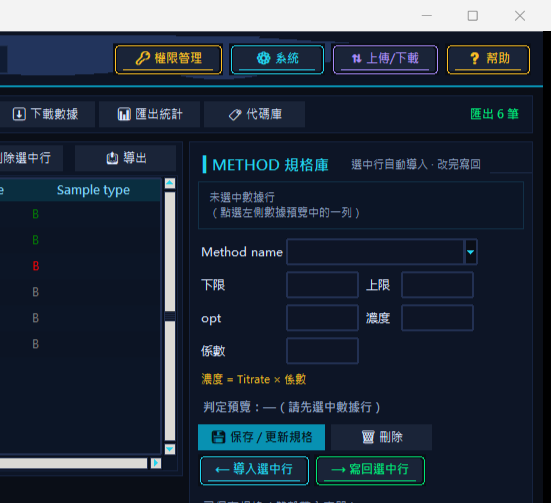
- Specification library (METHOD specification library): maintains lower limit, upper limit, opt, concentration, and coefficient by Method name; after saving, automatically attaches to the entire table and re-judges
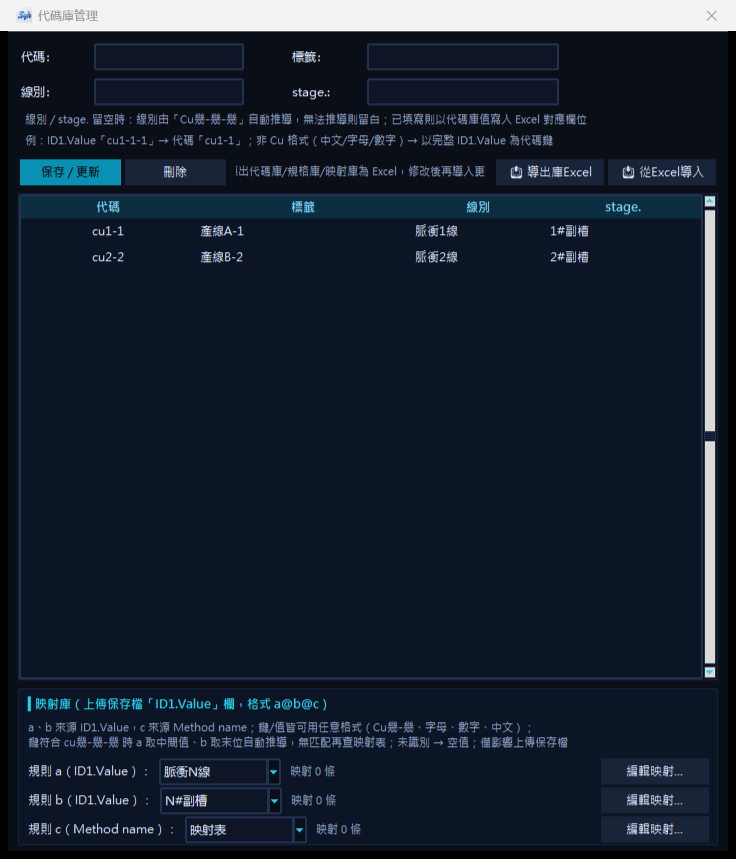
- Code library: maps ID1.Value code keys to the three columns Label / Line / stage. (keys can be in any format), automatically brings them in and synchronizes them to the exported Excel header; supports export and import of "Library Management Excel" (three worksheets: code, specification, mapping)
- Pending: unqualified data can be re-judged after modifying Component / upper and lower limits / opt / Titrate / concentration; if qualified, it is saved and pushed; deletion synchronizes with the source .slk
- Export method: qualified and complete data is pushed to the final export folder and upload save path; optional "fixed single file" (after comparison, skip identical records, update records with the same ID but different content in place, append new data) or "time-stamped file" (newly created each time, only incremental data exported)
- Upload/download: three upload methods—HTTP API (ERP) / SQLite / MySQL; identical content is automatically skipped and listed under "Duplicate Upload"; query and export results by time, line, and sorting conditions
- Automation: in the upload/download settings, check "Auto upload after new data export" to enable unattended operation
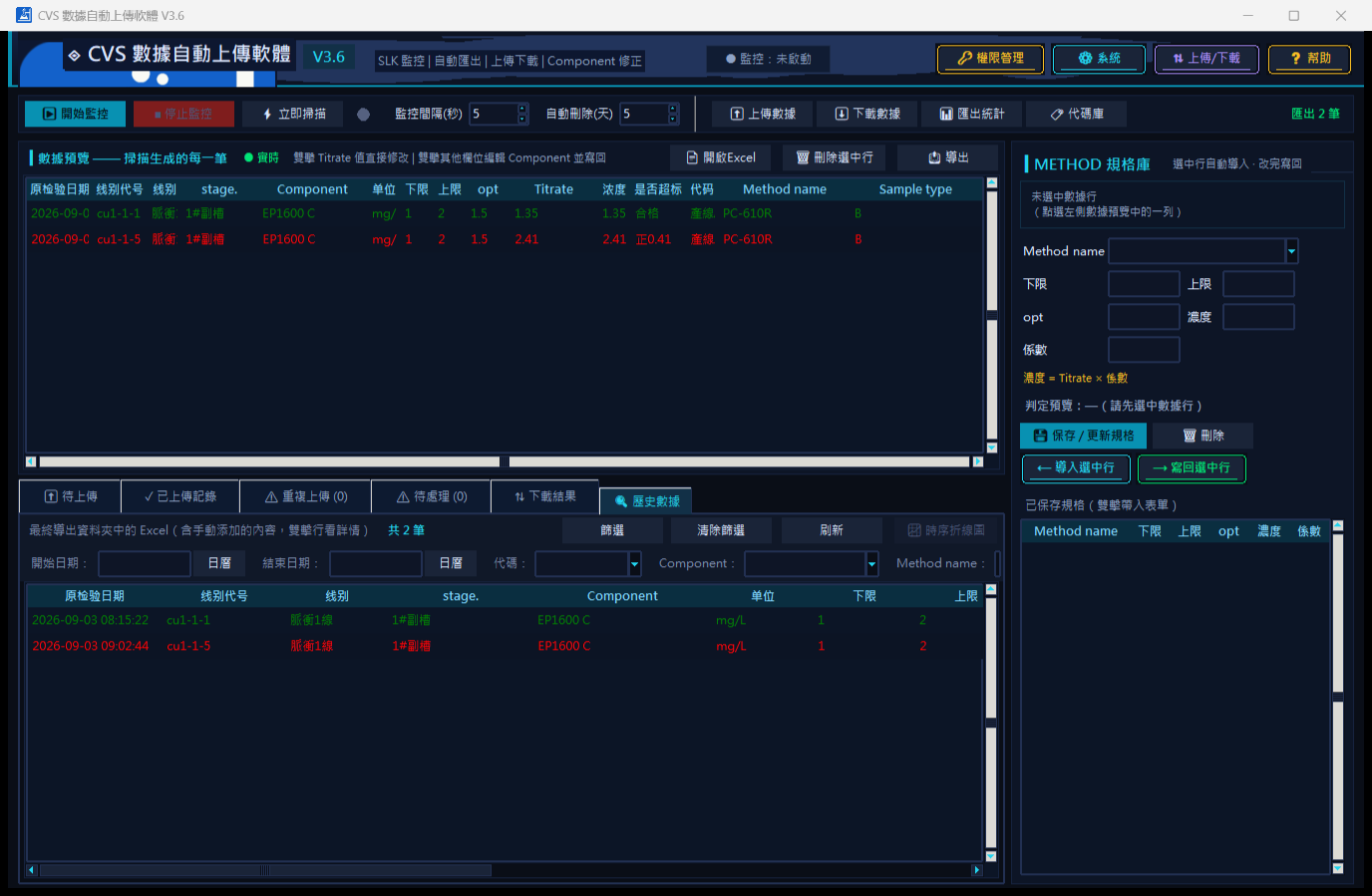
- Historical data and statistics: integrates all files in the final export folder, filters by date / code / Component / Method, plots time-series line charts, and supports export; "Export Statistics" is used to verify whether the daily record count has missing files
- Permissions and language: modifying paths, switching languages, and modifying Titrate require administrator privileges (password is built-in and not displayed in the interface); the interface can instantly switch among Traditional Chinese / English / Thai
- Configuration files: config.json (paths / libraries / modes), state.json (processing and upload status), analysis data records.xlsx (main worksheet with 15 columns + hidden source .slk paths)
- Deployment: portable exe; the entire program folder must be copied together (_internal is the runtime library); first startup is slightly slow, thereafter instant; the half-year licensed version requires license.json in the same directory as the program
- Fault tolerance: automatically retries when a data file is occupied by Excel or writing fails; when a file is corrupted, it is automatically backed up and rebuilt from the .slk
- Operating environment: Windows
Product Features
- Unattended automatic collection, judgment, and export, eliminating manual transcription and organization
- Code library + specification library linkage; Line / stage. / specifications are automatically brought in, and judgment rules are clear and traceable
- Upload duplicate-check mechanism prevents duplicate data from entering ERP
- Trilingual interface and portable deployment, suitable for on-site use in Chinese / English / Thai